
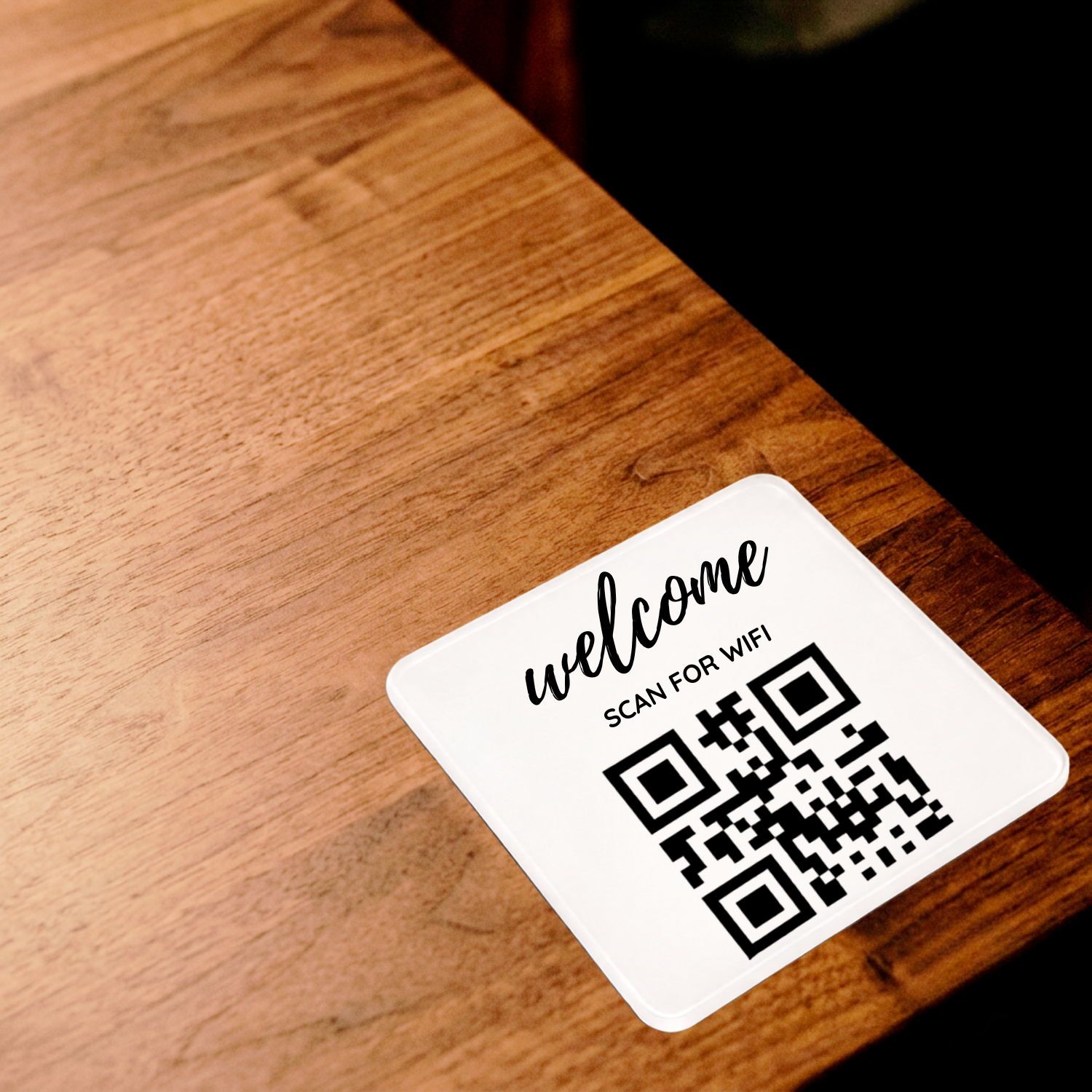
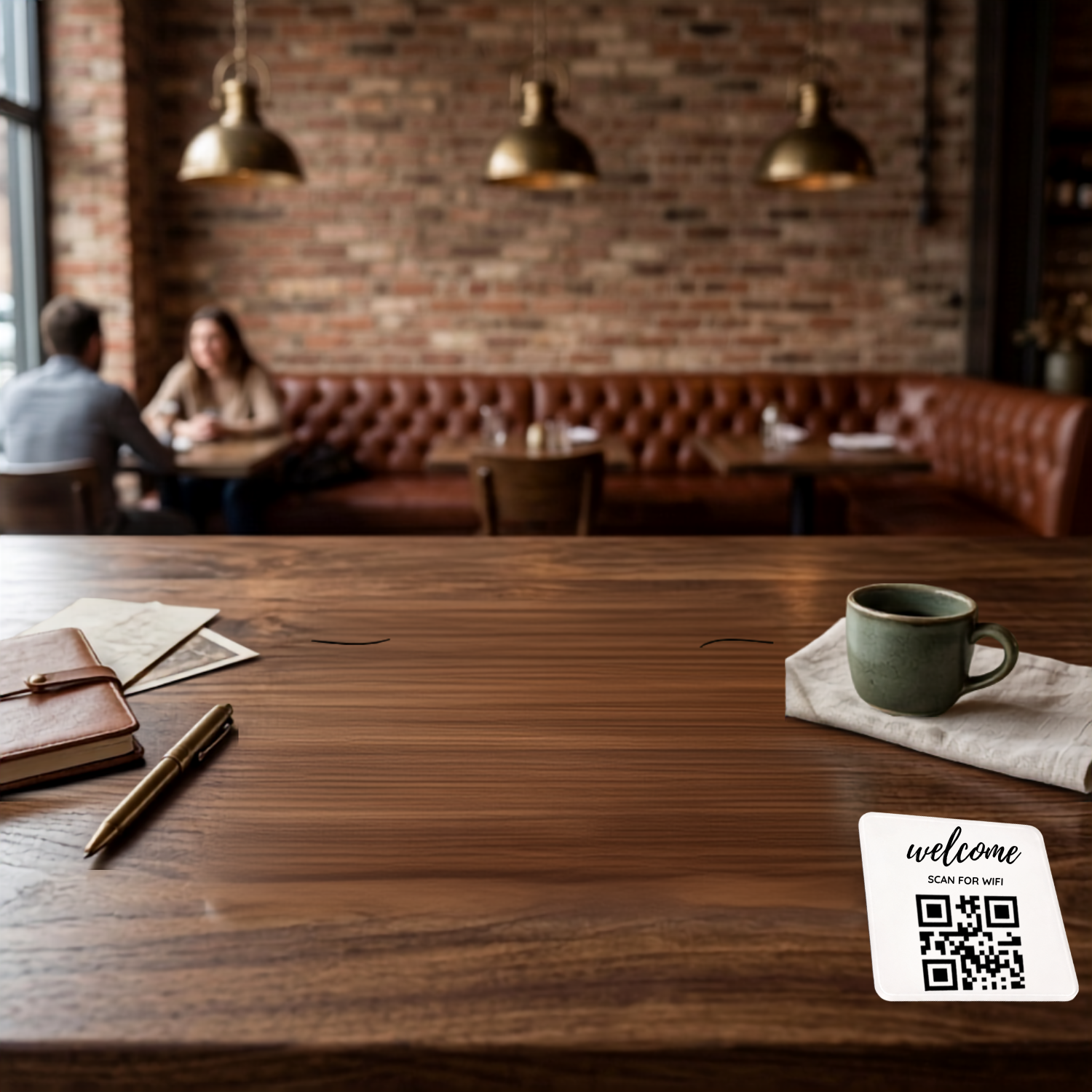
Stick it anywhere. Let guests connect instantly. Our self-adhesive WiFi Password Sign is designed to go where your customers are — on tables, counters, menus, windows, or walls — making it the easiest way for guests to get online without asking staff for the password.
Designed for restaurants, coffee shops, cafes, bars, hotels, and waiting rooms, this compact peel-and-stick WiFi sign fits seamlessly into any space and works the moment it’s placed.
How it works
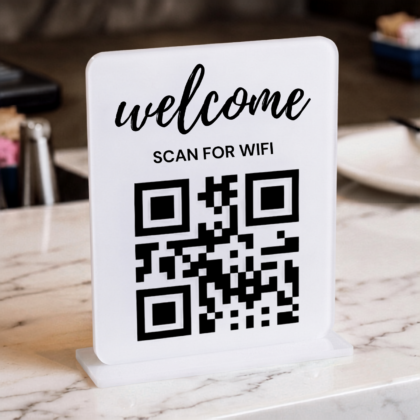
A guest scans the QR code on the sign using any phone camera. Your WiFi network name appears on their screen — ready to connect with one tap. No typing. No asking staff. No password written on a napkin.
Changed your WiFi password? Update it once in your Smarti Cards dashboard — all your signs update instantly. No reprinting. No replacing stickers.
Perfect for:
- Restaurant and cafe tables — one sign per table, guests connect without flagging down staff
- Hotel lobbies and reception desks
- Salon and spa waiting areas
- Retail fitting rooms and checkout counters
- Medical and dental waiting rooms
Business plan features
Upgrade to the Smarti Cards Business plan to unlock:
- Guest email capture at WiFi sign-in — build your customer list on autopilot
- Automatic welcome coupon or free gift offer sent to new customers
- Duplicate email detection — promotions stay protected
- Export your full customer email list as a CSV anytime
Why local businesses choose this sign
Table WiFi signs reduce the most common guest interruption in any hospitality setting — “What’s the WiFi password?” One sticker per table means every guest can connect the moment they sit down, without waiting for staff. Clean. Professional. Effortless.
With the Business plan, every WiFi connection becomes a customer contact. Your email list grows automatically while guests enjoy their coffee.
Setup takes under 1 minute. No technical skills required. No tools needed.
Frequently asked questions
Will it stick to my tables without damaging them?
The self-adhesive backing is designed for smooth surfaces including wood, laminate, glass, and plastic. We recommend testing on a small area first if your tables have a specialty finish.
What if I change my WiFi password?
Update it once in your Smarti Cards dashboard — your sign updates automatically. No reprinting or replacing needed.
Can I use multiple signs across different tables?
Yes. All signs connect to the same WiFi settings in your dashboard. Update once, applies everywhere.
Does this work on laptops and tablets?
Yes. Any device with a camera can scan the QR code. No NFC or app required.

Reviews
There are no reviews yet.